
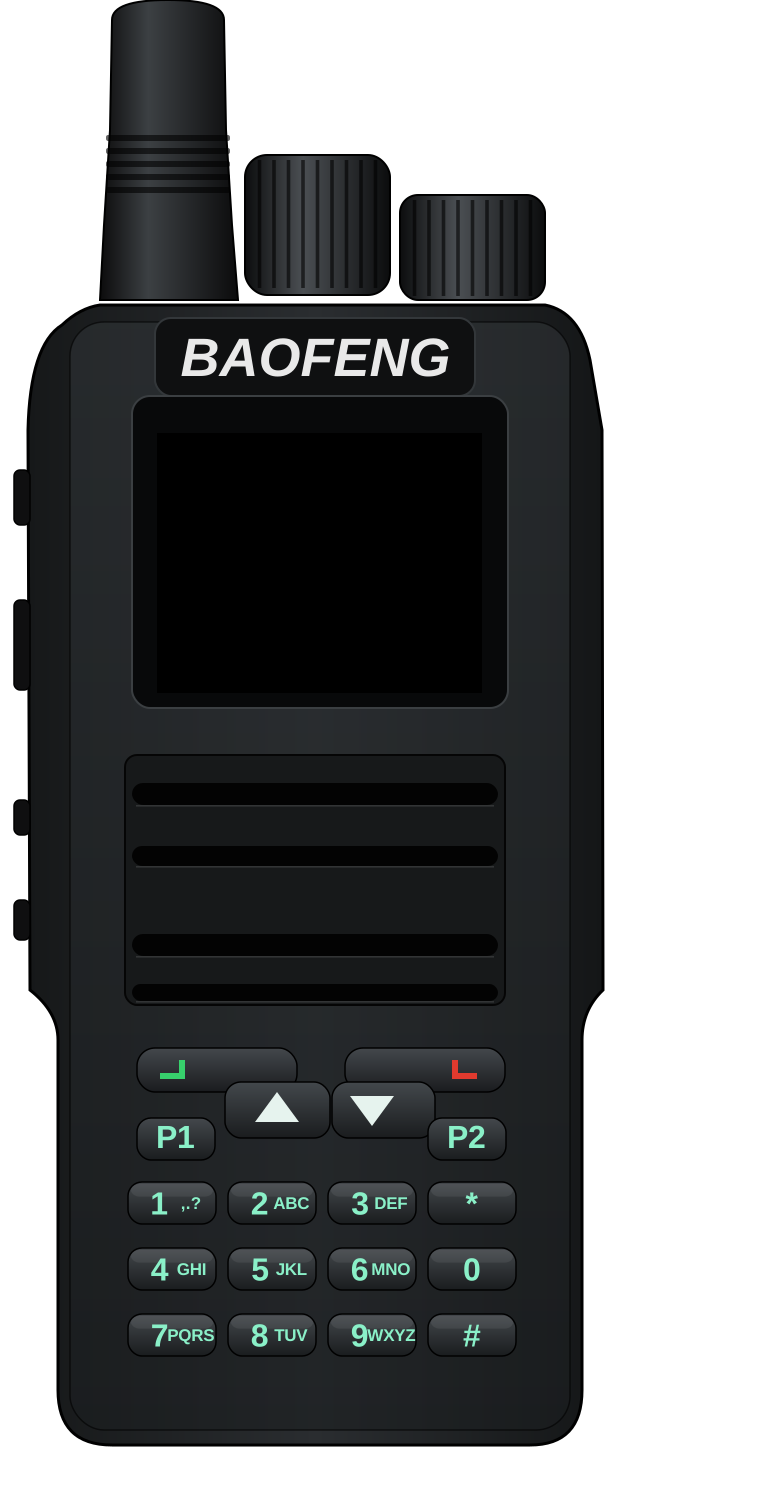

Baofeng DM-1701
Supported
FM, DMR voice and data, text messages, alerts, emergency, scan, the hotspot, single frequency repeating, each split duplex half and the USB network services work on air. Open: standalone SFR and a two-radio split duplex pair.
- Also sold as
- Retevis RT84
- Type
- Handheld
- Bands
- 136-174 / 400-480 MHz
- Power
- 1 / 2 / 5 W
- Processor
- STM32F405
- Screen
- 1.77" color, 160 × 128
- Voltage reading
- Battery
- Clock kept when off
- Not known yet
Screens
Features
| Feature | Full | Amateur | Commercial |
|---|---|---|---|
| Radio and voice | |||
Analog FM receive and transmitFM | included | included | included |
CTCSS / DCS encode and decodeSUBTONE | included | included | included |
DMR Tier II voice (modem, call stack, AMBE FEC, vocoder)DMR | included | included | included |
Basic privacy (Motorola / Anytone BP)DMR_PRIVACY | included | left out | included |
Talker alias receive and sendDMR_TALKER_ALIAS | included | included | included |
ETSI GPS Info in the embedded LCDMR_GPS | included | included | included |
CSBK signaling: call alert, radio checkDMR_SIGNALING | included | included | included |
DMR emergency (alarm, emergency call, hot mic)DMR_EMERGENCY | included | included | included |
Repeater roamingDMR_ROAMING | included | included | included |
VFO (hand-tuned frequency)VFO | included | included | included |
FM VFOVFO_FM | included | included | included |
DMR VFO (color code, slot, talk target typed in; mode change FM / DMR)VFO_DMR | included | included | included |
Scan, band scan, dual watch, nuisance deleteSCAN | included | included | included |
Dual watch: A and B in any zone or the VFO, PTT on the selected one, its screens, talk backDUAL_WATCH | included | included | included |
Beeps and alert tonesBEEP | included | included | included |
FM TX tones: roger beep, 1750 Hz burstFM_TX_TONES | included | included | included |
DTMF transmit from the keysDTMF | included | included | included |
FM VOXVOX | included | included | included |
Receiver battery saverBATTERY_SAVE | included | included | included |
Key assignment (Settings > Keys, codeplug)KEY_ASSIGN | included | included | included |
Channels list: every channel by number, a channel's settings (hub 5)CHANNEL_LIST | included | included | included |
Channel editor: edit a channel, New channel from current settings, text entryCHANNEL_EDIT | included | included | included |
Zone editor: move, add, copy and remove channels in a zone; rename, copy and delete a zoneZONE_EDIT | included | included | included |
| DMR data | |||
Text messages (ETSI IP text by default)DMR_SMS | included | included | included |
Motorola TMS text formatDMR_TMS | included | left out | included |
ARS registrationDMR_ARS | included | left out | included |
LRRP locationDMR_LRRP | included | left out | included |
Zone and channel sharing: send a zone or a channel, import an offered oneZONE_SHARE | included | included | included |
Compressed UDP/IP headers on transmit (SAP 3)DMR_UDP_COMPRESS | included | included | included |
Confirmed packet dataDMR_CONFIRMED | included | included | included |
Single frequency repeater (MMDVM SFR)SFR | included | included | included |
APRS: AFSK positions, status, messages; DMR positions; KISS TNCAPRS | included | included | left out |
APRS receive: demodulator, station list, digipeaterAPRS_RX | included | included | left out |
APRS iGate rules (with tools/aprs_gate.py)APRS_IGATE | left out | left out | left out |
| Network (USB network adapter and IP over DMR) | |||
IP over DMR gatewayDMR_IP_GATEWAY | included | included | included |
Minimal TCPNET_TCP | included | included | included |
KISS over TCP, port 8001NET_KISS | included | included | left out |
HTTP status page and JSON, port 80NET_HTTP | included | included | included |
HTTP static files stored and served gzip compressedNET_HTTP_GZIP | included | included | included |
Web control: the front panel page, keys, status and receive audio over /wsNET_WEBCTL | included | included | included |
rigctld, port 4532NET_RIGCTL | included | included | included |
APRS-IS clientNET_APRSIS | included | included | left out |
Audio linking (USRP over UDP, port 34001)NET_USRP | included | included | included |
mDNS / DNS-SD (rfoundry-<id>.local)MDNS | included | included | included |
TFTP codeplug read / writeTFTP | included | included | included |
DMR ID database over TFTP (iddb.bin, combined codeplug.bin)TFTP_IDDB | included | included | included |
Control station mode (boot as network, PC answers data, fixed link)DMR_CONTROL_STATION | included | left out | included |
SNMP v2c agent and traps (USB and over the air)SNMP | included | left out | included |
USB network adapter (CDC-NCM)USB_NETWORK | included | included | included |
PPP on the serial host port (IPv4 into the gateway)NET_PPP | left out | left out | left out |
| Host link and USB | |||
Task stacks in the debug link viewTASK_STACKS | included | included | included |
USB deviceUSB | included | included | included |
Host link: hotspot, CPS, debug link on the host portHOSTLINK | included | included | included |
MMDVM hotspotHOTSPOT | included | included | left out |
Split duplex repeater (two radios, one duplex modem)HOTSPOT_SPLIT | included | included | left out |
Debug linkDEBUGLINK | included | included | included |
Open-firmware CPS protocol (qdmr)CPS_OPENFW | included | included | included |
Fast codeplug protocol (debug link CODEPLUG)CPS_FAST | included | included | included |
Loader hand-over (stub entry, command 0x1A)STUB_ENTRY | included | included | included |
Crash logCRASH_LOG | included | included | included |
Crash log screenCRASH_SCREEN | included | included | included |
Crash report over DMRCRASH_REPORT | included | included | included |
Hardware watchdogWATCHDOG | included | included | included |
| User interface | |||
Diagnostics pageDIAG | included | included | included |
Anti-aliased fontsFONT_AA | left out | left out | left out |
Larger textFONT_BIG | left out | left out | left out |
Color screen settings (theme, highlight color, filled status bar)UI_COLOR | included | included | included |
Settings menu on the radioUI_SETTINGS | included | included | included |
● included · ○ left out
Not available on this radio: 16x32 font, Vibration alerts (Settings > Sound > Vibrate), GPS receiver: the module driver and its NMEA input (Settings > Location > GPS), Settings and codeplug storage on SPI NAND, Fault trace on the host UART, Air band AM receive (108-137 MHz), Broadcast FM receiver
Entering Update Mode
- Turn the radio off and connect the programming cable.
- Hold PTT and SK1 (the side key just above PTT).
- Turn the radio on with the volume knob while you hold both keys. The screen stays dark.
- Release the keys.