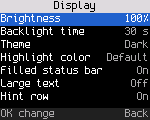
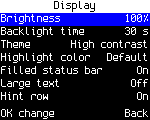
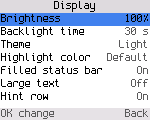
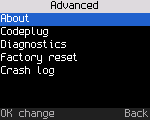
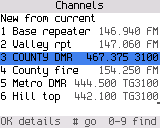
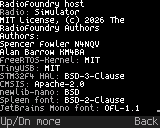
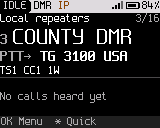
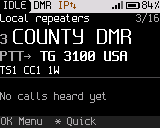
Screenshots

Every screen of each radio's build, from the UI gallery. Pick a radio.

Baofeng DM-32UV

104 screens · color, 240 × 320 · About the Baofeng DM-32UV

Home and quick settings
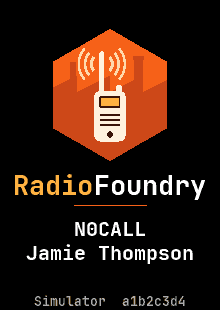
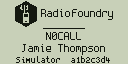
Boot screen
Boot screen
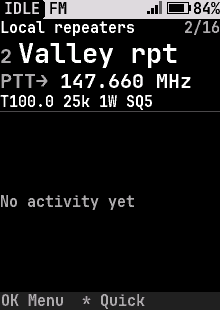
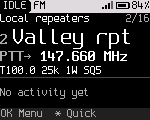
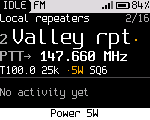
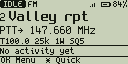
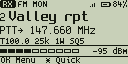
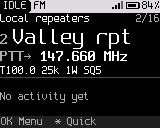
Home, FM channel
Home, FM channel
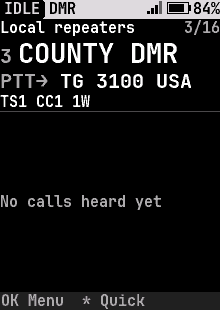
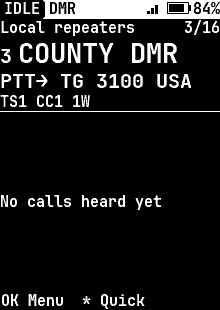
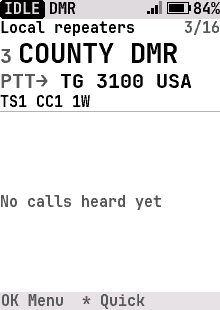
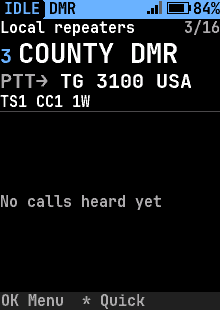
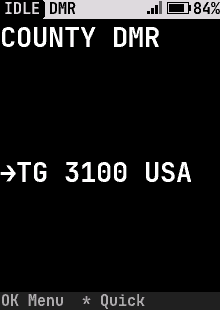
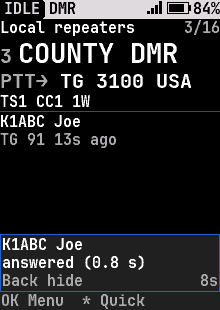
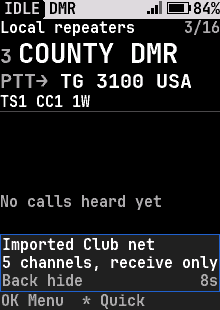
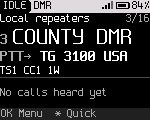
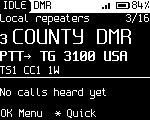
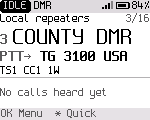
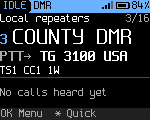
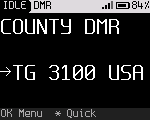
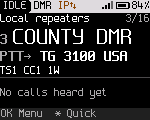
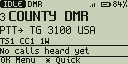
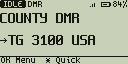
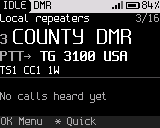
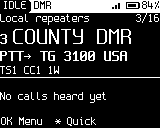
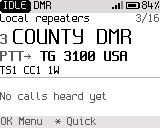
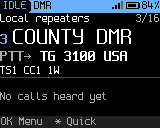
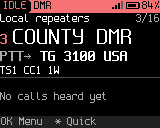
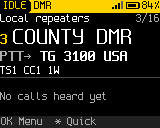
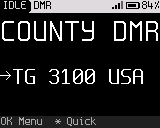
Home, DMR channel
Home, DMR channel
Home, DMR channel, high-contrast theme
Home, DMR channel, light theme
Home, DMR channel, light blue highlight
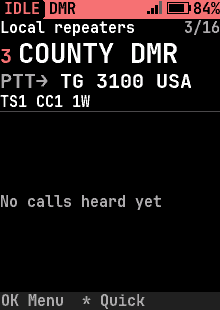
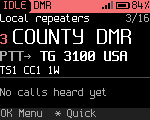
Home, DMR channel, red highlight
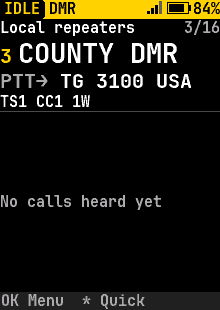
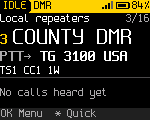
Home, DMR channel, yellow highlight
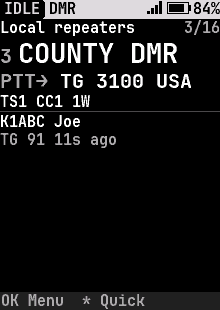
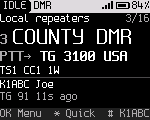
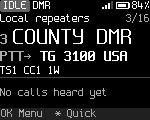
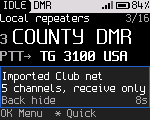
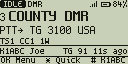
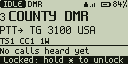
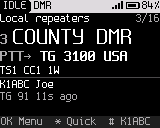
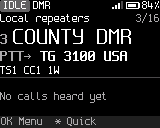
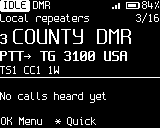
Home, DMR, last heard
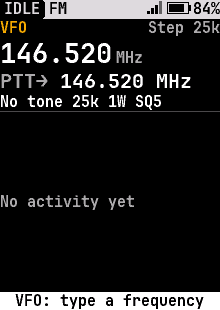
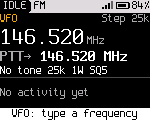
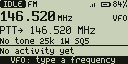
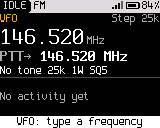
VFO
VFO
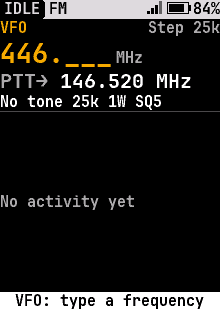
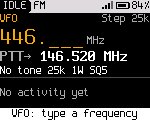
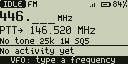
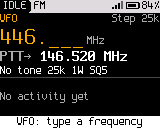
VFO, typing a frequency
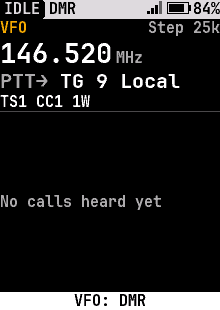
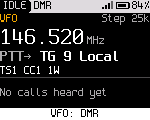
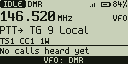
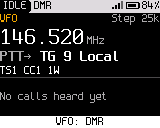
VFO, digital (DMR)
VFO, digital (DMR)
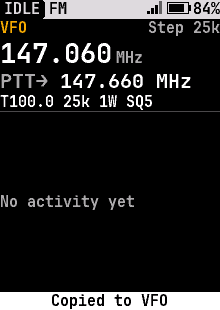
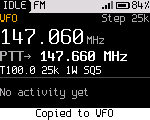
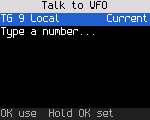
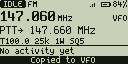
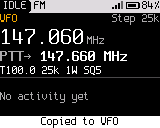
Copy to VFO
Copy to VFO
Home, large text
Home, large text
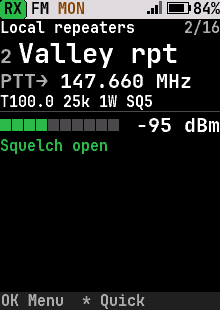
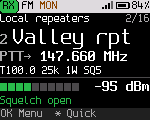
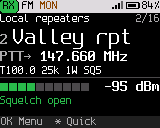
Home on FM, Monitor held: squelch open, RX
Home, status bar not filled
Home, status bar not filled, high-contrast theme
Home, status bar not filled, light theme
Home, keys locked
Home, keys locked
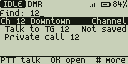
Home, temporary talk target
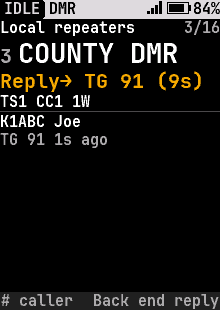
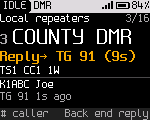
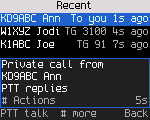
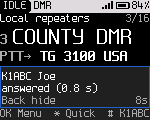
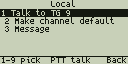
Home, reply to caller
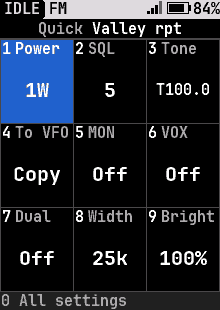
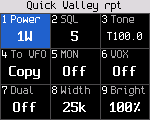
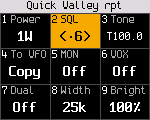
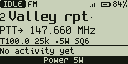
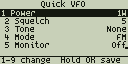
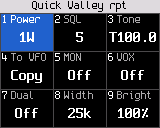
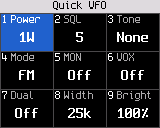
Quick settings, FM
Quick settings, FM
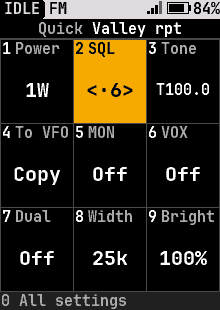
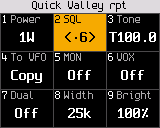
Squelch
Squelch
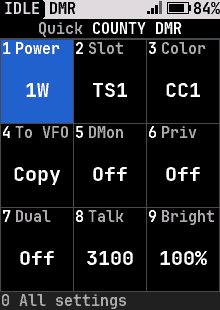
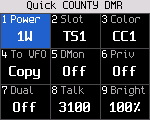
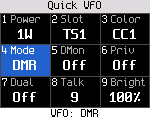
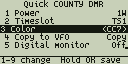
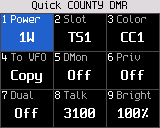
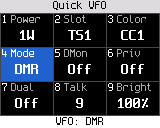
Quick settings, DMR
Quick settings, DMR
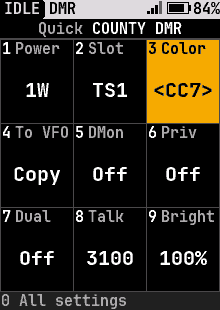
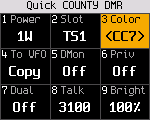
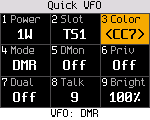
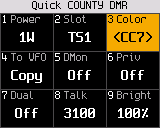
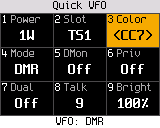
Color code
Color code
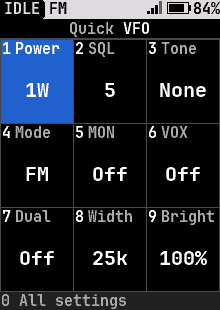
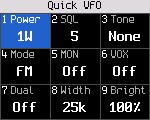
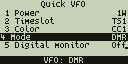
Quick settings, FM VFO
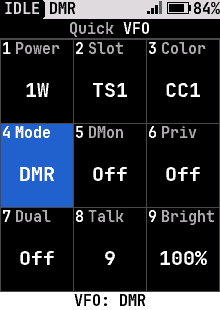
Quick settings, DMR VFO
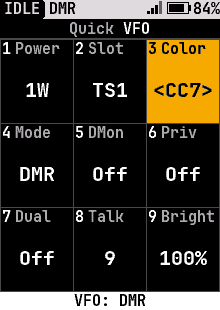
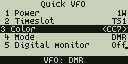
VFO color code
VFO color code
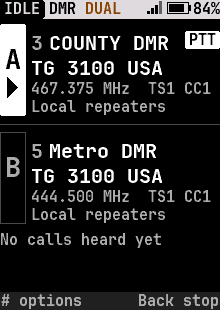
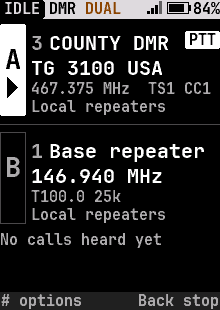
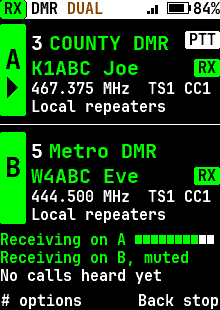
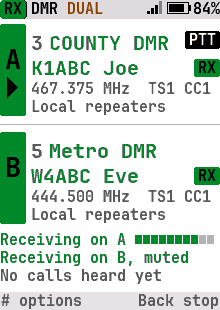
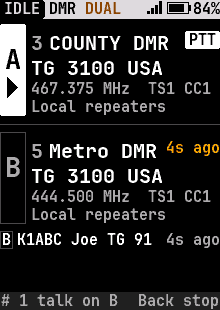
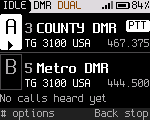
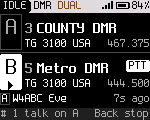
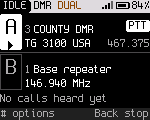
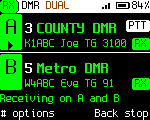
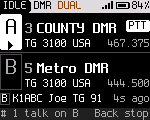
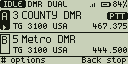
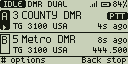
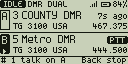
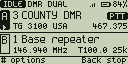
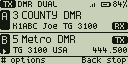
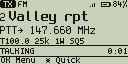
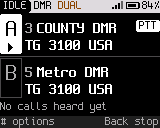
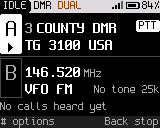
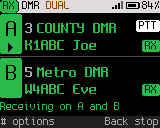
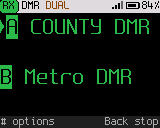
Dual watch: A and B, PTT on A
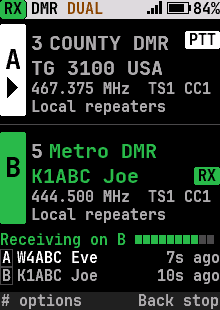
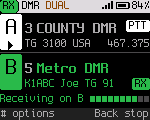
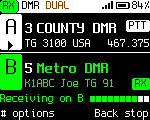
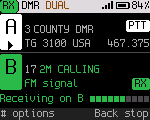
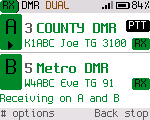
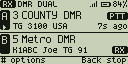
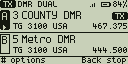
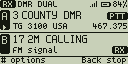
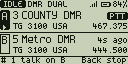
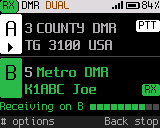
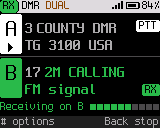
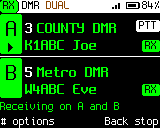
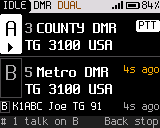
Dual watch: a call coming in on B
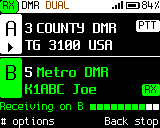
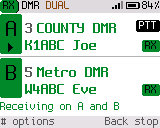
Dual watch: a call coming in on B, high-contrast theme
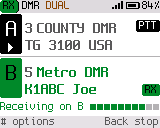
Dual watch: a call coming in on B, light theme
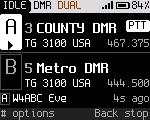
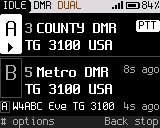
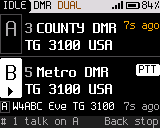
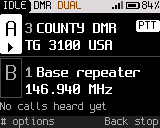
Dual watch: the last calls, with their channel
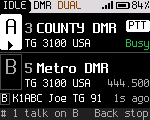
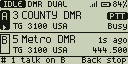
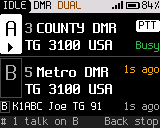
Dual watch: busy on A during the wait after a call on B
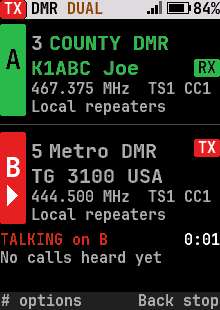
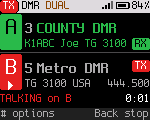
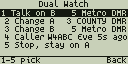
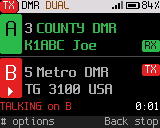
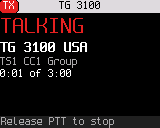
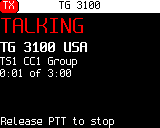
Dual watch: talking on B
Dual watch: a long channel name moves the PTT pill to row 3
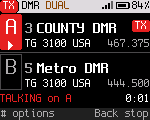
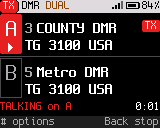
Dual watch: transmitting on A
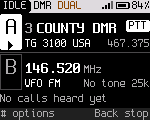
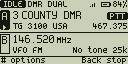
Dual watch: the VFO as B
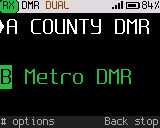
Dual watch: B in another zone
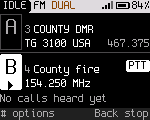
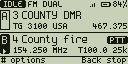
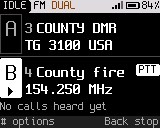
Dual watch: an FM channel as B
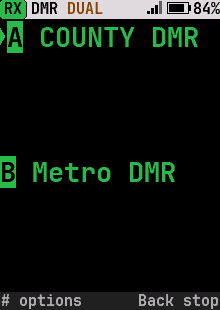
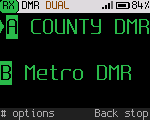
Dual watch, large text
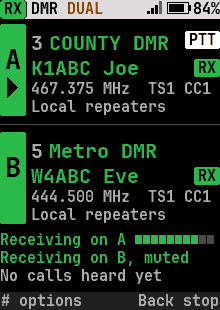
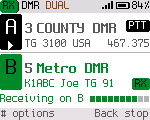
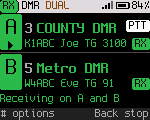
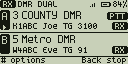
Dual watch on two receivers: a call on each
Dual watch on two receivers: a call on each, high-contrast theme
Dual watch on two receivers: a call on each, light theme
Dual watch: talking on B while a call arrives on A
Dual watch on two receivers, large text
Dual watch: talk back on B after its call

Calls

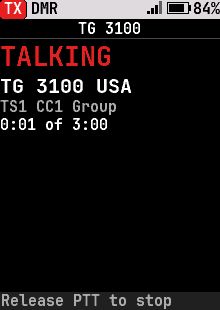
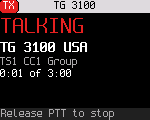
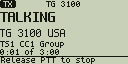
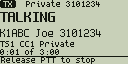
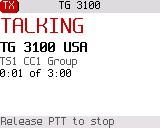
Transmitting
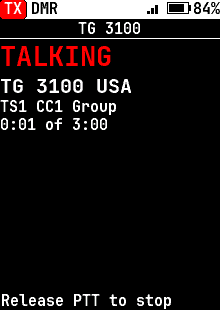
Transmitting
Transmitting, high-contrast theme
Transmitting, light theme
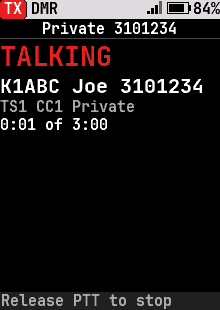
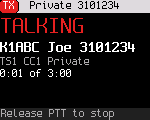
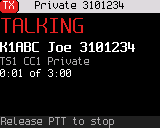
Transmitting a private call
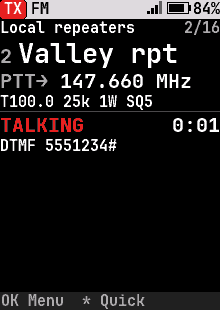
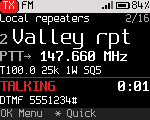
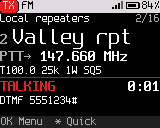
Sending touch tones (DTMF) on FM
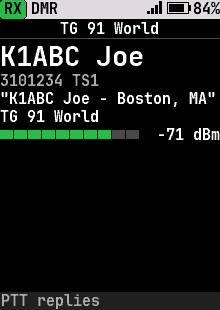
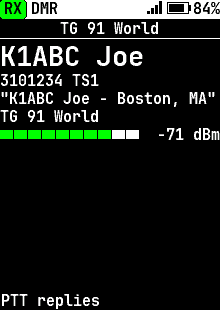
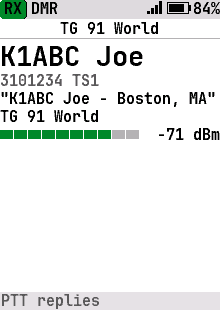
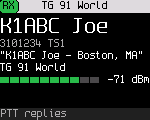
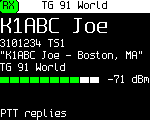
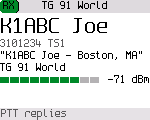
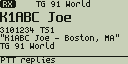
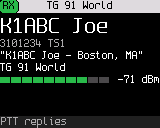
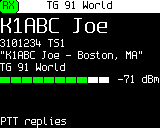
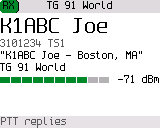
Receiving a group call
Receiving a group call, high-contrast theme
Receiving a group call, light theme
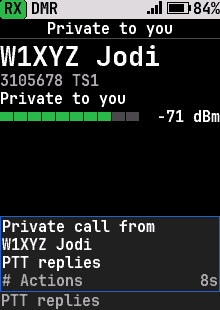
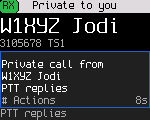
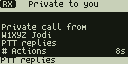
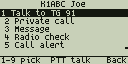
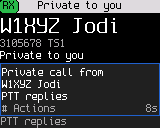
Receiving a private call
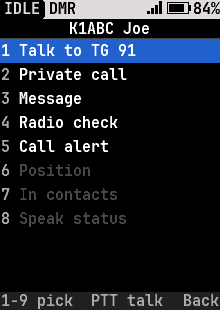
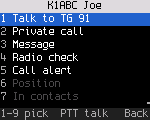
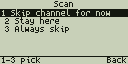
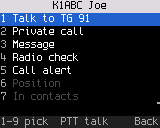
Caller actions
Caller actions
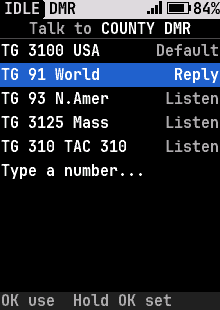
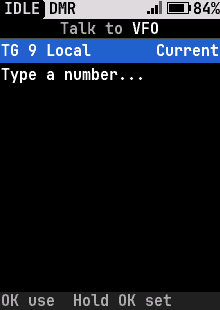
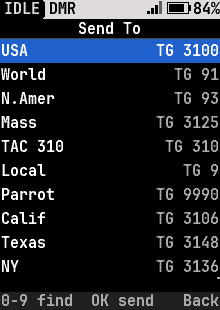
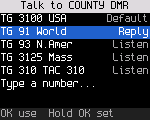
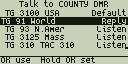
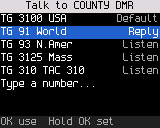
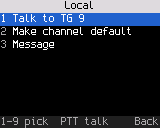
Talk target
Talk target
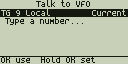
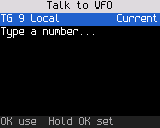
Talk target, DMR VFO
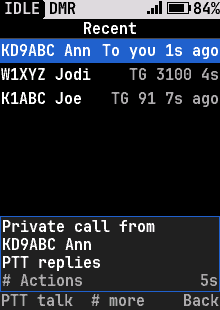
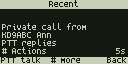
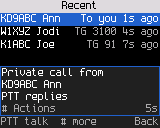
Recent calls
Recent calls
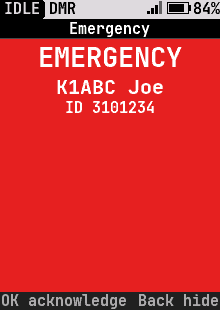
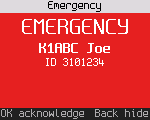
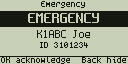
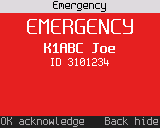
Emergency
Emergency
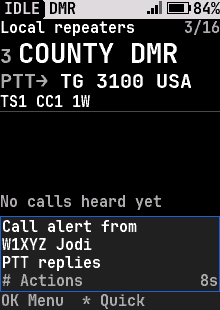
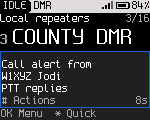
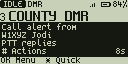
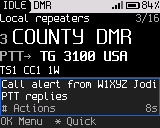
Call alert received
Call alert received
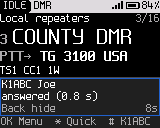
Radio check
Radio check

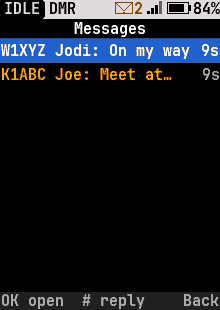
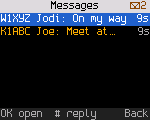
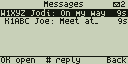
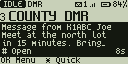
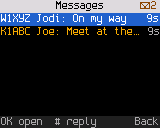
Messages

Messages
Messages
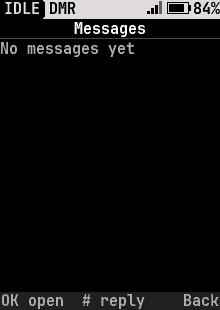
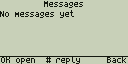
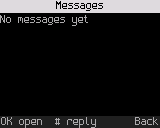
Messages, empty
Messages, empty
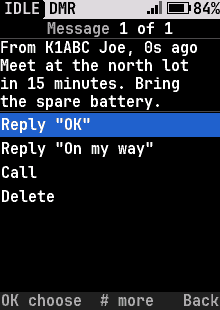
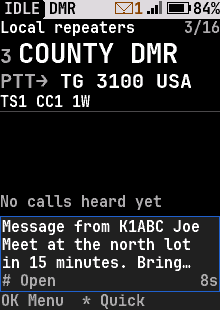
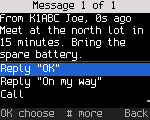
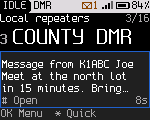
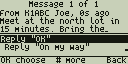
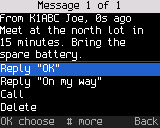
Reading a message
Reading a message
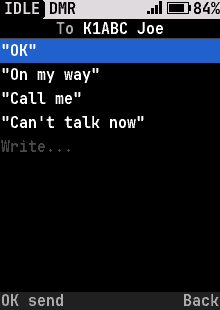
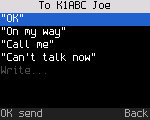
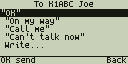
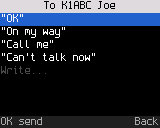
Write a message
Write a message
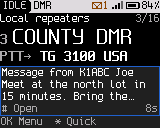
New message
New message
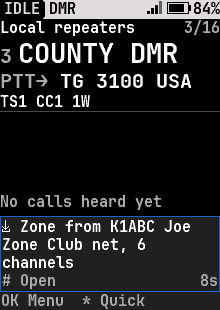
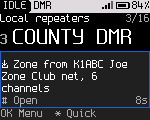
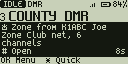
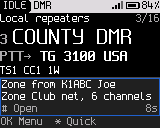
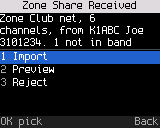
A zone offered by another radio
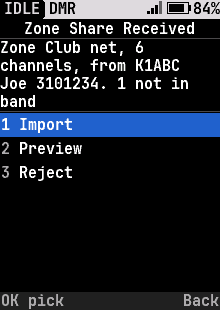
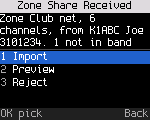
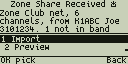
What to do with an offered zone
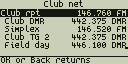
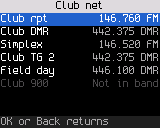
The channels of an offered zone
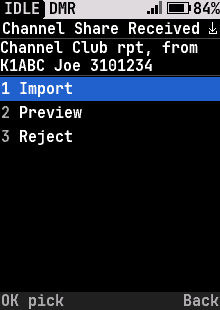
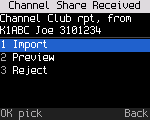
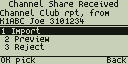
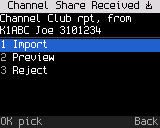
One channel shared by another radio
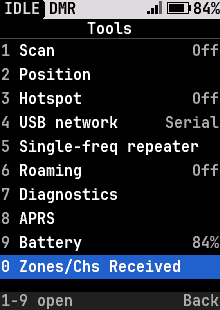
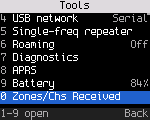
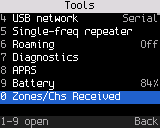
Tools with a shared zone waiting
An offered channel
An offered channel

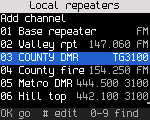
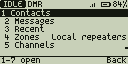
Channels and contacts

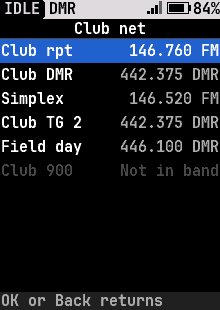
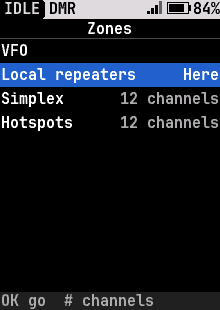
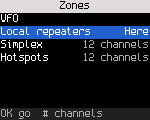
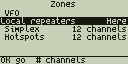
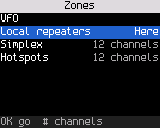
Zones, with the VFO
Zones, with the VFO
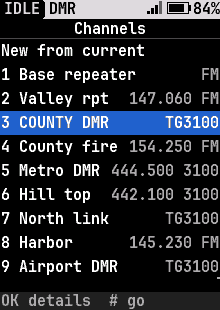
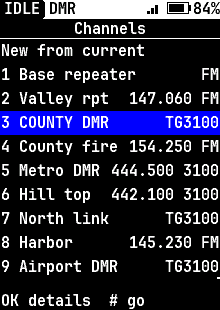
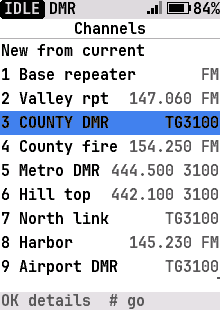
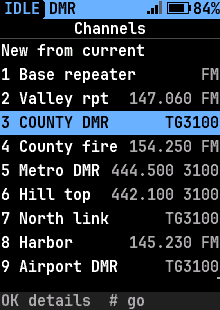
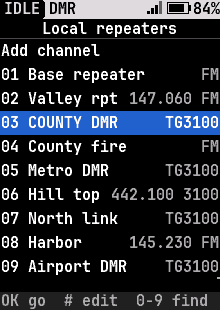
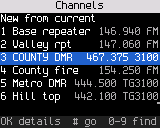
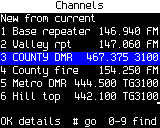
Every channel by number
Every channel by number, high-contrast theme
Every channel by number, light theme
Every channel by number, light blue highlight
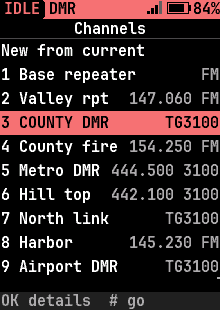
Every channel by number, red highlight
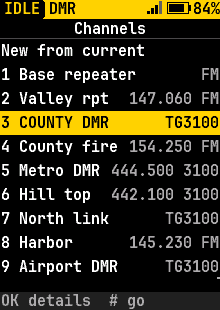
Every channel by number, yellow highlight
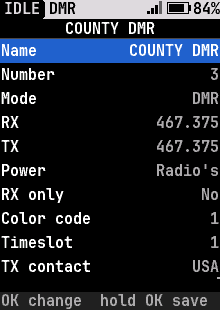
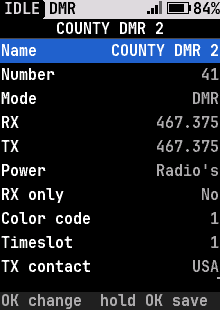
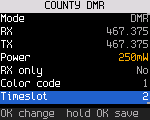
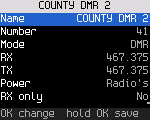
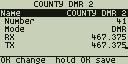
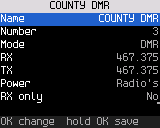
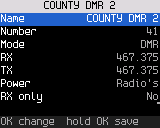
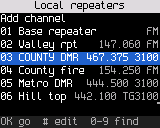
A channel's settings, ready to edit
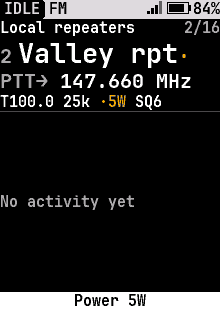
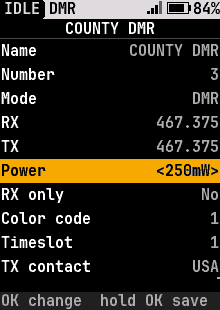
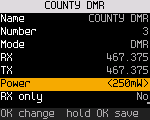
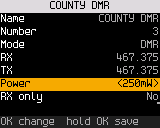
Channel editor: picking the power with the knob
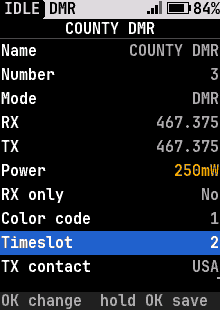
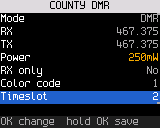
Channel editor: changed rows marked until saved
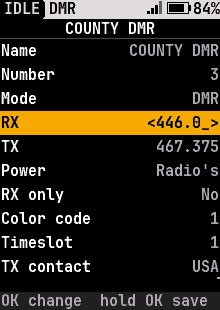
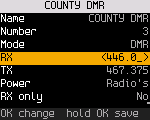
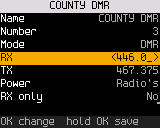
Channel editor: typing an RX frequency
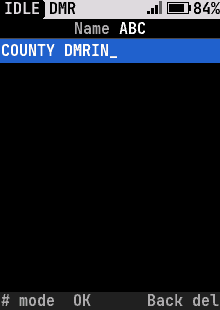
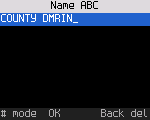
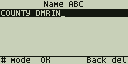
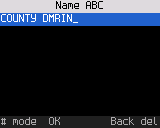
Text entry: a channel name on the keypad
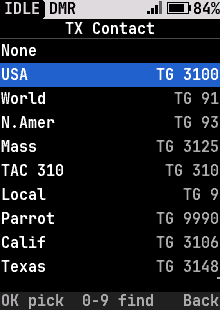
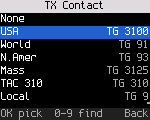
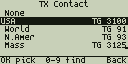
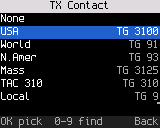
Channel editor: picking the TX contact
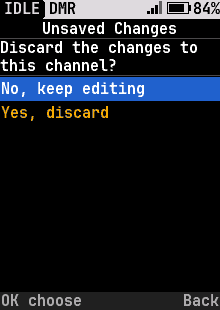
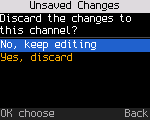
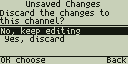
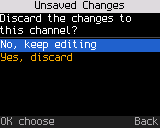
Leaving the channel editor with unsaved changes
New channel from current settings
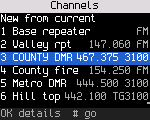
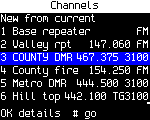
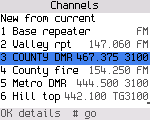
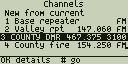
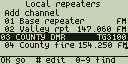
Channels in a zone
Channels in a zone
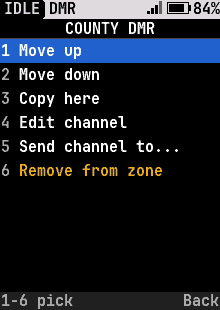
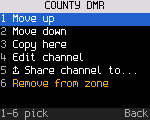
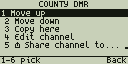
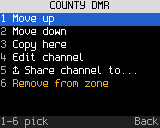
A channel's actions in a zone
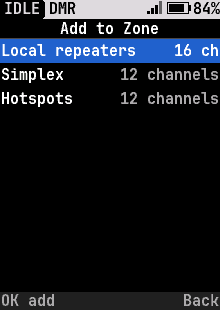
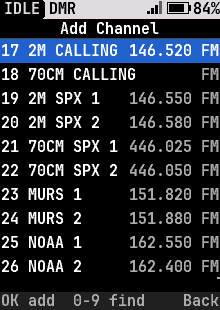
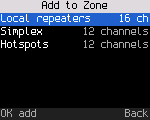
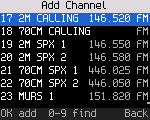
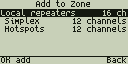
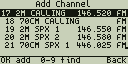
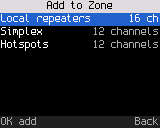
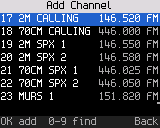
Adding a channel to a zone
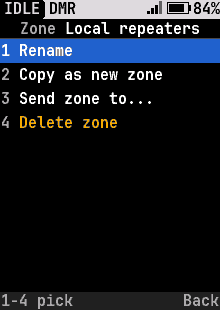
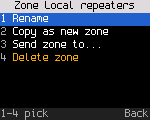
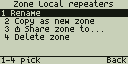
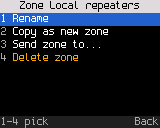
Zone options
Zone options
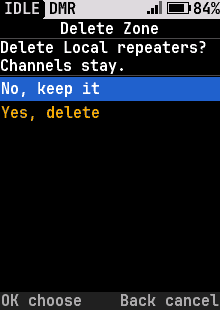
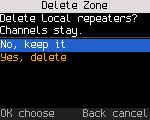
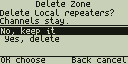
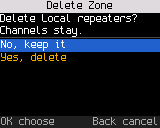
Deleting a zone asks first
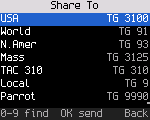
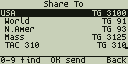
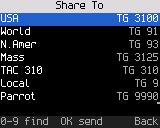
Sending a zone or channel to another radio
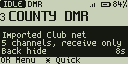
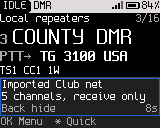
A shared zone imported
Find a channel
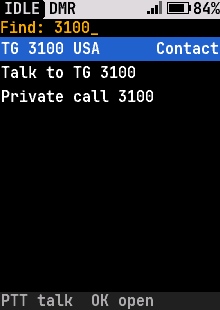
Find a channel
Find by name
Find by name
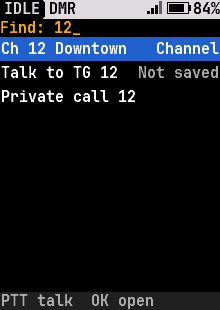
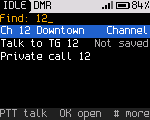
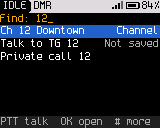
Find by number
Find by number
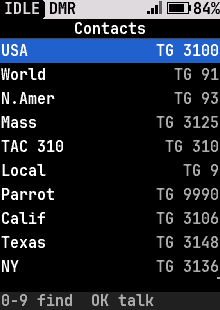
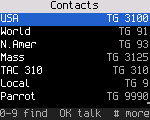
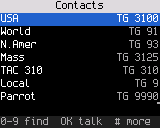
Contacts
Contacts
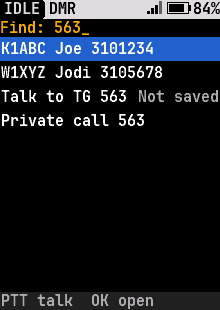
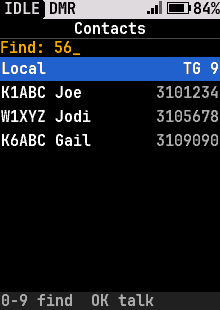
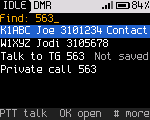
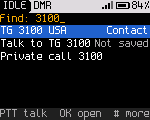
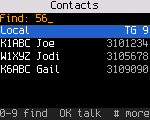
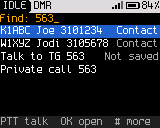
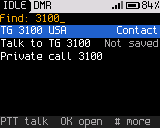
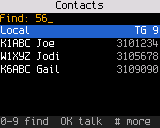
Find a contact
Find a contact
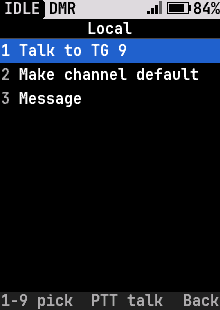
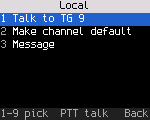
Contact actions
Contact actions
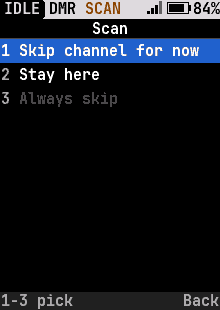
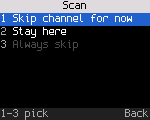
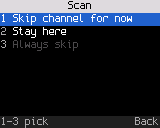
Scan
Scan
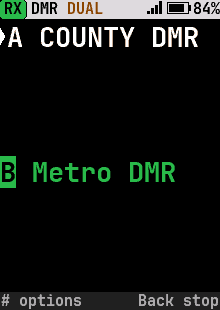
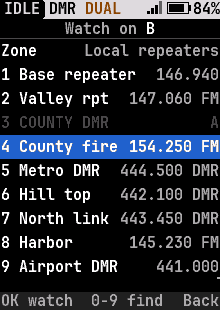
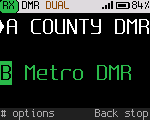
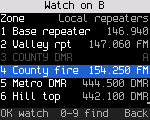
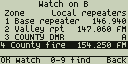
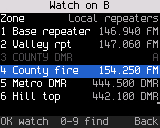
Dual watch: pick B
Dual watch: pick B
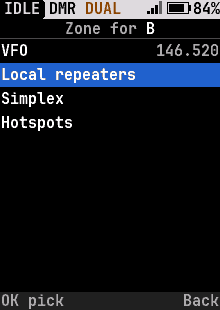
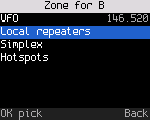
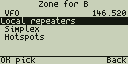
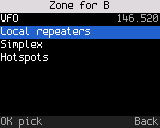
Dual watch: B from another zone or the VFO
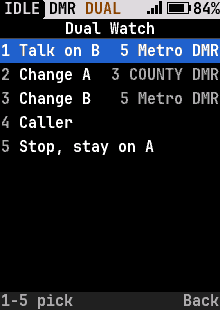
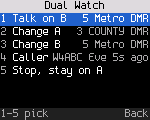
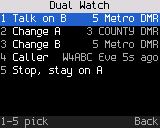
Dual watch actions
Dual watch actions

Tools

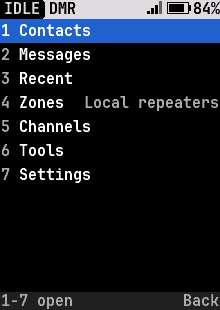
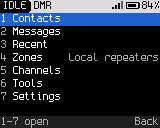
Menu
Menu
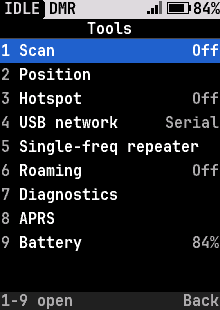
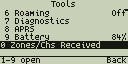
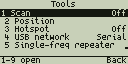
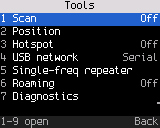
Tools
Tools
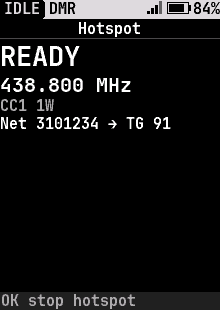
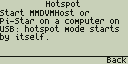
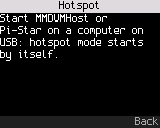
Hotspot mode
Hotspot mode
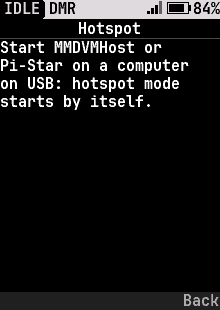
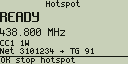
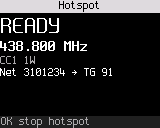
Hotspot details
Hotspot details
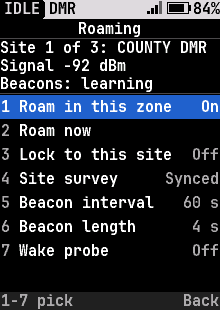
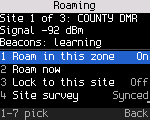
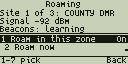
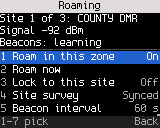
Repeater roaming
Repeater roaming
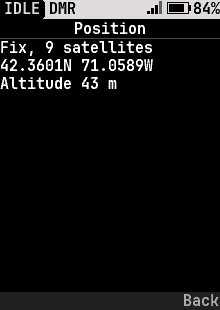
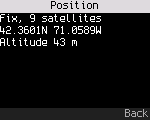
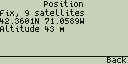
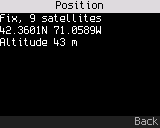
Position (APRS)
Position (APRS)
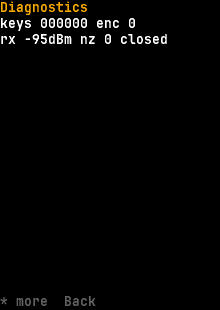
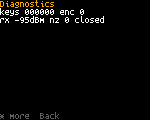
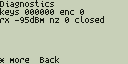
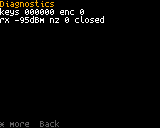
Diagnostics
Diagnostics

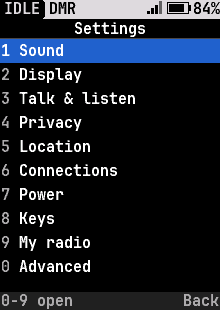
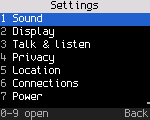
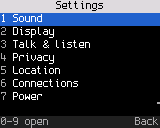
Settings

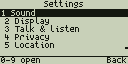
Settings
Settings
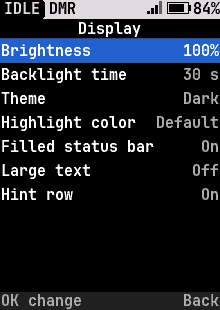
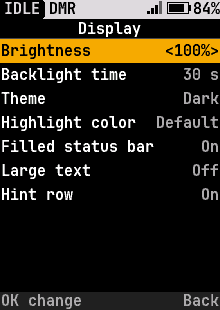
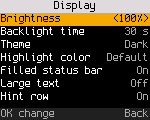
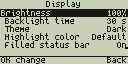
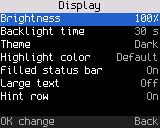
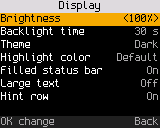
Display settings
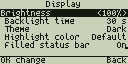
Display settings
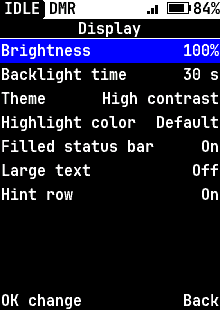
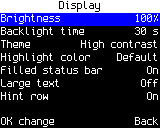
Display settings, high-contrast theme
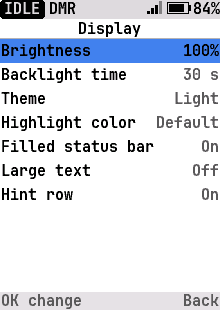
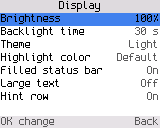
Display settings, light theme
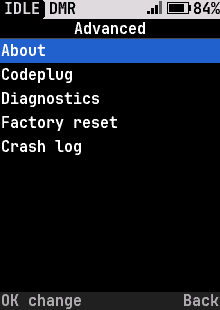
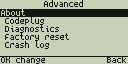
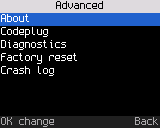
Advanced settings
Advanced settings
Changing a setting
Changing a setting
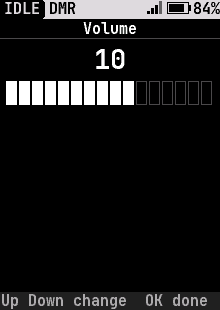
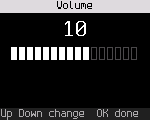
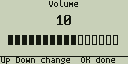
Volume
Volume
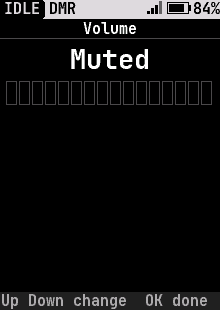
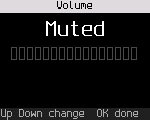
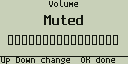
Volume muted
Volume muted
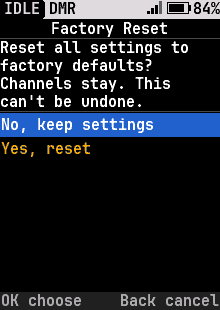
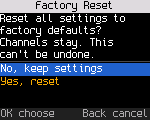
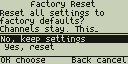
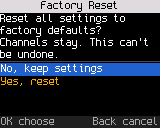
Factory reset
Factory reset
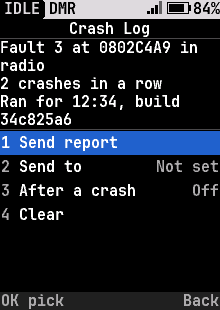
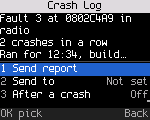
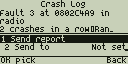
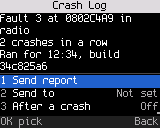
Crash log
Crash log
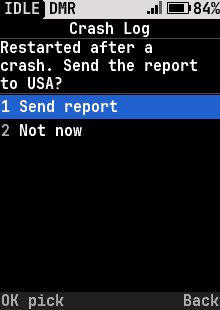
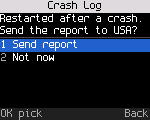
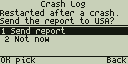
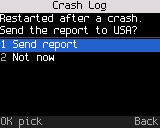
Send crash report?
Send crash report?
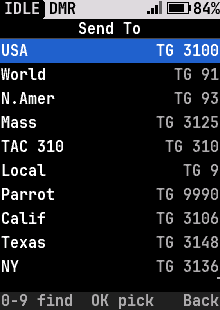
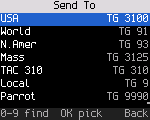
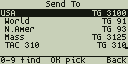
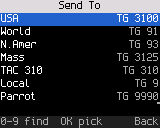
Crash report: send to
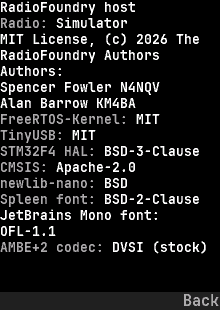
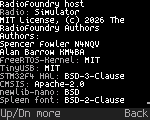
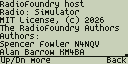
About
About

Baofeng DM-1701

106 screens · 1.77" color, 160 × 128 · About the Baofeng DM-1701

Home and quick settings
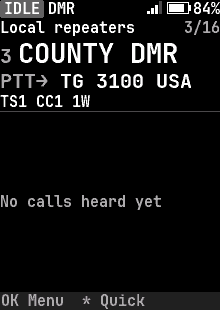
Boot screen
Boot screen
Home, FM channel
Home, FM channel
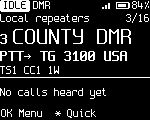
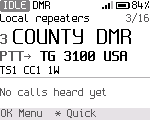
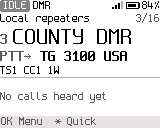
Home, DMR channel
Home, DMR channel
Home, DMR channel, high-contrast theme
Home, DMR channel, light theme
Home, DMR channel, light blue highlight
Home, DMR channel, red highlight
Home, DMR channel, yellow highlight
Home, DMR, last heard
VFO
VFO
VFO, typing a frequency
VFO, digital (DMR)
VFO, digital (DMR)
Copy to VFO
Copy to VFO
Home, large text
Home, large text
Home on FM, Monitor held: squelch open, RX
Home, status bar not filled
Home, status bar not filled, high-contrast theme
Home, status bar not filled, light theme
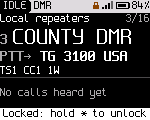
Home, keys locked
Home, keys locked
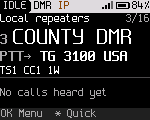
Home with USB as a network adapter, waiting for the computer (IP)
Home with the computer connected over USB network (IP and the link arrows)
Home, temporary talk target
Home, reply to caller
Quick settings, FM
Quick settings, FM
Squelch
Squelch
Quick settings, DMR
Quick settings, DMR
Color code
Color code
Quick settings, FM VFO
Quick settings, DMR VFO
VFO color code
VFO color code
Dual watch: A and B, PTT on A
Dual watch: a call coming in on B
Dual watch: a call coming in on B, high-contrast theme
Dual watch: a call coming in on B, light theme
Dual watch: the last calls, with their channel
Dual watch: busy on A during the wait after a call on B
Dual watch: talking on B
Dual watch: a long channel name moves the PTT pill to row 3
Dual watch: transmitting on A
Dual watch: the VFO as B
Dual watch: B in another zone
Dual watch: an FM channel as B
Dual watch, large text
Dual watch on two receivers: a call on each
Dual watch on two receivers: a call on each, high-contrast theme
Dual watch on two receivers: a call on each, light theme
Dual watch: talking on B while a call arrives on A
Dual watch on two receivers, large text
Dual watch: talk back on B after its call

Calls

Transmitting
Transmitting
Transmitting, high-contrast theme
Transmitting, light theme
Transmitting a private call
Sending touch tones (DTMF) on FM
Receiving a group call
Receiving a group call, high-contrast theme
Receiving a group call, light theme
Receiving a private call
Caller actions
Caller actions
Talk target
Talk target
Talk target, DMR VFO
Recent calls
Recent calls
Emergency
Emergency
Call alert received
Call alert received
Radio check
Radio check

Messages

Messages
Messages
Messages, empty
Messages, empty
Reading a message
Reading a message
Write a message
Write a message
New message
New message
A zone offered by another radio
What to do with an offered zone
The channels of an offered zone
One channel shared by another radio
Tools with a shared zone waiting
An offered channel
An offered channel

Channels and contacts

Zones, with the VFO
Zones, with the VFO
Every channel by number
Every channel by number, high-contrast theme
Every channel by number, light theme
Every channel by number, light blue highlight
Every channel by number, red highlight
Every channel by number, yellow highlight
A channel's settings, ready to edit
Channel editor: picking the power with the knob
Channel editor: changed rows marked until saved
Channel editor: typing an RX frequency
Text entry: a channel name on the keypad
Channel editor: picking the TX contact
Leaving the channel editor with unsaved changes
New channel from current settings
Channels in a zone
Channels in a zone
A channel's actions in a zone
Adding a channel to a zone
Zone options
Zone options
Deleting a zone asks first
Sending a zone or channel to another radio
A shared zone imported
Find a channel
Find a channel
Find by name
Find by name
Find by number
Find by number
Contacts
Contacts
Find a contact
Find a contact
Contact actions
Contact actions
Scan
Scan
Dual watch: pick B
Dual watch: pick B
Dual watch: B from another zone or the VFO
Dual watch actions
Dual watch actions

Tools

Menu
Menu
Tools
Tools
Hotspot mode
Hotspot mode
Hotspot details
Hotspot details
Repeater roaming
Repeater roaming
Position (APRS)
Position (APRS)
Diagnostics
Diagnostics

Settings

Settings
Settings
Display settings
Display settings
Display settings, high-contrast theme
Display settings, light theme
Advanced settings
Advanced settings
Changing a setting
Changing a setting
Volume
Volume
Volume muted
Volume muted
Factory reset
Factory reset
Crash log
Crash log
Send crash report?
Send crash report?
Crash report: send to
About
About

Baofeng DM-1801 Pro

103 screens · monochrome, 128 × 64 · About the Baofeng DM-1801 Pro

Home and quick settings
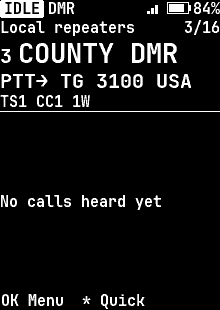
Boot screen
Boot screen
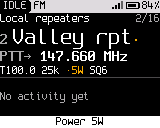
Home, FM channel
Home, FM channel
Home, DMR channel
Home, DMR channel
Home, DMR, last heard
VFO
VFO
VFO, typing a frequency
VFO, digital (DMR)
VFO, digital (DMR)
Copy to VFO
Copy to VFO
Home, large text
Home, large text
Home on FM, Monitor held: squelch open, RX
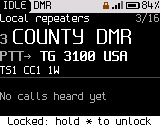
Home, keys locked
Home, keys locked
Home, temporary talk target
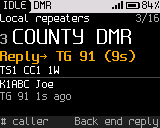
Home, reply to caller
Quick settings, FM
Quick settings, FM
Squelch
Squelch
Quick settings, DMR
Quick settings, DMR
Color code
Color code
Quick settings, FM VFO
Quick settings, DMR VFO
VFO color code
VFO color code
Dual watch: A and B, PTT on A
Dual watch: a call coming in on B
Dual watch: the last calls, with their channel
Dual watch: busy on A during the wait after a call on B
Dual watch: talking on B
Dual watch: a long channel name moves the PTT pill to row 3
Dual watch: transmitting on A
Dual watch: the VFO as B
Dual watch: B in another zone
Dual watch: an FM channel as B
Dual watch, large text
Dual watch on two receivers: a call on each
Dual watch: talking on B while a call arrives on A
Dual watch on two receivers, large text
Dual watch: talk back on B after its call

Calls

Transmitting
Transmitting
Transmitting a private call
Sending touch tones (DTMF) on FM
Receiving a group call
Receiving a private call
Caller actions
Caller actions
Talk target
Talk target
Talk target, DMR VFO
Recent calls
Recent calls
Emergency
Emergency
Call alert received
Call alert received
Radio check
Radio check

Messages

Messages
Messages
Messages, empty
Messages, empty
Reading a message
Reading a message
Write a message
Write a message
New message
New message
A zone offered by another radio
What to do with an offered zone
The channels of an offered zone
One channel shared by another radio
Tools with a shared zone waiting
An offered channel
An offered channel

Channels and contacts

Zones, with the VFO
Zones, with the VFO
Every channel by number
A channel's settings, ready to edit
Channel editor: picking the power with the knob
Channel editor: changed rows marked until saved
Channel editor: typing an RX frequency
Text entry: a channel name on the keypad
Channel editor: picking the TX contact
Leaving the channel editor with unsaved changes
New channel from current settings
Channels in a zone
Channels in a zone
A channel's actions in a zone
Adding a channel to a zone
Zone options
Zone options
Deleting a zone asks first
Sending a zone or channel to another radio
A shared zone imported
Find a channel
Find a channel
Find by name
Find by name
Find by number
Find by number
Contacts
Contacts
Find a contact
Find a contact
Contact actions
Contact actions
Scan
Scan
Dual watch: pick B
Dual watch: pick B
Dual watch: B from another zone or the VFO
Dual watch actions
Dual watch actions

Tools

Menu
Menu
Tools
Tools
Hotspot mode
Hotspot mode
Hotspot details
Hotspot details
Repeater roaming
Repeater roaming
Position (APRS)
Position (APRS)
Diagnostics
Diagnostics

Settings

Settings
Settings
Display settings
Display settings
Advanced settings
Advanced settings
Changing a setting
Changing a setting
Volume
Volume
Volume muted
Volume muted
Factory reset
Factory reset
Crash log
Crash log
Send crash report?
Send crash report?
Crash report: send to
About
About

Radioddity DB25-D PRO

104 screens · 1.77" color, 160 × 128 · About the Radioddity DB25-D PRO

Home and quick settings
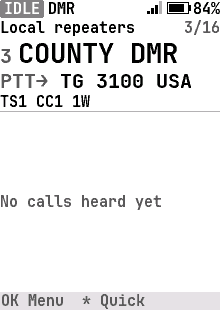
Boot screen
Boot screen
Home, FM channel
Home, FM channel
Home, DMR channel
Home, DMR channel
Home, DMR channel, high-contrast theme
Home, DMR channel, light theme
Home, DMR channel, light blue highlight
Home, DMR channel, red highlight
Home, DMR channel, yellow highlight
Home, DMR, last heard
VFO
VFO
VFO, typing a frequency
VFO, digital (DMR)
VFO, digital (DMR)
Copy to VFO
Copy to VFO
Home, large text
Home, large text
Home on FM, Monitor held: squelch open, RX
Home, status bar not filled
Home, status bar not filled, high-contrast theme
Home, status bar not filled, light theme
Home, keys locked
Home, keys locked
Home, temporary talk target
Home, reply to caller
Quick settings, FM
Quick settings, FM
Squelch
Squelch
Quick settings, DMR
Quick settings, DMR
Color code
Color code
Quick settings, FM VFO
Quick settings, DMR VFO
VFO color code
VFO color code
Dual watch: A and B, PTT on A
Dual watch: a call coming in on B
Dual watch: a call coming in on B, high-contrast theme
Dual watch: a call coming in on B, light theme
Dual watch: the last calls, with their channel
Dual watch: busy on A during the wait after a call on B
Dual watch: talking on B
Dual watch: a long channel name moves the PTT pill to row 3
Dual watch: transmitting on A
Dual watch: the VFO as B
Dual watch: B in another zone
Dual watch: an FM channel as B
Dual watch, large text
Dual watch on two receivers: a call on each
Dual watch on two receivers: a call on each, high-contrast theme
Dual watch on two receivers: a call on each, light theme
Dual watch: talking on B while a call arrives on A
Dual watch on two receivers, large text
Dual watch: talk back on B after its call

Calls

Transmitting
Transmitting
Transmitting, high-contrast theme
Transmitting, light theme
Transmitting a private call
Sending touch tones (DTMF) on FM
Receiving a group call
Receiving a group call, high-contrast theme
Receiving a group call, light theme
Receiving a private call
Caller actions
Caller actions
Talk target
Talk target
Talk target, DMR VFO
Recent calls
Recent calls
Emergency
Emergency
Call alert received
Call alert received
Radio check
Radio check

Messages

Messages
Messages
Messages, empty
Messages, empty
Reading a message
Reading a message
Write a message
Write a message
New message
New message
A zone offered by another radio
What to do with an offered zone
The channels of an offered zone
One channel shared by another radio
Tools with a shared zone waiting
An offered channel
An offered channel

Channels and contacts

Zones, with the VFO
Zones, with the VFO
Every channel by number
Every channel by number, high-contrast theme
Every channel by number, light theme
Every channel by number, light blue highlight
Every channel by number, red highlight
Every channel by number, yellow highlight
A channel's settings, ready to edit
Channel editor: picking the power with the knob
Channel editor: changed rows marked until saved
Channel editor: typing an RX frequency
Text entry: a channel name on the keypad
Channel editor: picking the TX contact
Leaving the channel editor with unsaved changes
New channel from current settings
Channels in a zone
Channels in a zone
A channel's actions in a zone
Adding a channel to a zone
Zone options
Zone options
Deleting a zone asks first
Sending a zone or channel to another radio
A shared zone imported
Find a channel
Find a channel
Find by name
Find by name
Find by number
Find by number
Contacts
Contacts
Find a contact
Find a contact
Contact actions
Contact actions
Scan
Scan
Dual watch: pick B
Dual watch: pick B
Dual watch: B from another zone or the VFO
Dual watch actions
Dual watch actions

Tools

Menu
Menu
Tools
Tools
Hotspot mode
Hotspot mode
Hotspot details
Hotspot details
Repeater roaming
Repeater roaming
Position (APRS)
Position (APRS)
Diagnostics
Diagnostics

Settings

Settings
Settings
Display settings
Display settings
Display settings, high-contrast theme
Display settings, light theme
Advanced settings
Advanced settings
Changing a setting
Changing a setting
Volume
Volume
Volume muted
Volume muted
Factory reset
Factory reset
Crash log
Crash log
Send crash report?
Send crash report?
Crash report: send to
About
About

TYT MD-380

105 screens · color, 160 × 128 · About the TYT MD-380

Home and quick settings
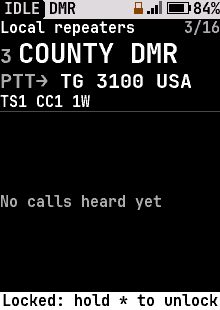
Boot screen
Boot screen
Home, FM channel
Home, FM channel
Home, DMR channel
Home, DMR channel
Home, DMR channel, high-contrast theme
Home, DMR channel, light theme
Home, DMR channel, light blue highlight
Home, DMR channel, red highlight
Home, DMR channel, yellow highlight
Home, DMR, last heard
VFO
VFO
VFO, typing a frequency
VFO, digital (DMR)
VFO, digital (DMR)
Copy to VFO
Copy to VFO
Home, large text
Home, large text
Home on FM, Monitor held: squelch open, RX
Home, status bar not filled
Home, status bar not filled, high-contrast theme
Home, status bar not filled, light theme
Home, keys locked
Home, keys locked
Home with USB as a network adapter, waiting for the computer (IP)
Home with the computer connected over USB network (IP and the link arrows)
Home, temporary talk target
Home, reply to caller
Quick settings, FM
Quick settings, FM
Squelch
Squelch
Quick settings, DMR
Quick settings, DMR
Color code
Color code
Quick settings, FM VFO
Quick settings, DMR VFO
VFO color code
VFO color code
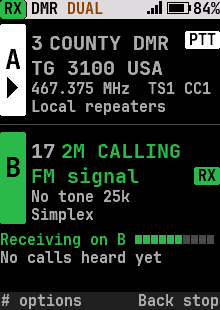
Dual watch: A and B, PTT on A
Dual watch: a call coming in on B
Dual watch: a call coming in on B, high-contrast theme
Dual watch: a call coming in on B, light theme
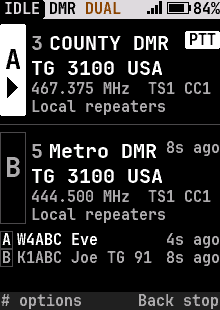
Dual watch: the last calls, with their channel
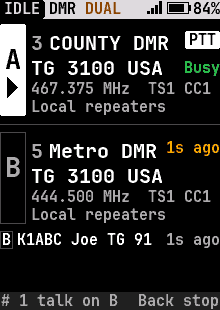
Dual watch: busy on A during the wait after a call on B
Dual watch: talking on B
Dual watch: a long channel name moves the PTT pill to row 3
Dual watch: transmitting on A
Dual watch: the VFO as B
Dual watch: B in another zone
Dual watch: an FM channel as B
Dual watch, large text
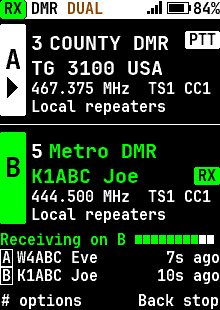
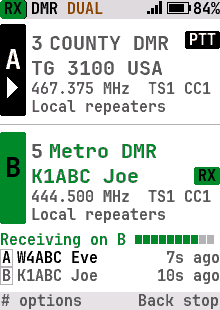
Dual watch on two receivers: a call on each
Dual watch on two receivers: a call on each, high-contrast theme
Dual watch on two receivers: a call on each, light theme
Dual watch: talking on B while a call arrives on A
Dual watch on two receivers, large text
Dual watch: talk back on B after its call

Calls

Transmitting
Transmitting
Transmitting, high-contrast theme
Transmitting, light theme
Transmitting a private call
Receiving a group call
Receiving a group call, high-contrast theme
Receiving a group call, light theme
Receiving a private call
Caller actions
Caller actions
Talk target
Talk target
Talk target, DMR VFO
Recent calls
Recent calls
Emergency
Emergency
Call alert received
Call alert received
Radio check
Radio check

Messages

Messages
Messages
Messages, empty
Messages, empty
Reading a message
Reading a message
Write a message
Write a message
New message
New message
A zone offered by another radio
What to do with an offered zone
The channels of an offered zone
One channel shared by another radio
Tools with a shared zone waiting
An offered channel
An offered channel

Channels and contacts

Zones, with the VFO
Zones, with the VFO
Every channel by number
Every channel by number, high-contrast theme
Every channel by number, light theme
Every channel by number, light blue highlight
Every channel by number, red highlight
Every channel by number, yellow highlight
A channel's settings, ready to edit
Channel editor: picking the power with the knob
Channel editor: changed rows marked until saved
Channel editor: typing an RX frequency
Text entry: a channel name on the keypad
Channel editor: picking the TX contact
Leaving the channel editor with unsaved changes
New channel from current settings
Channels in a zone
Channels in a zone
A channel's actions in a zone
Adding a channel to a zone
Zone options
Zone options
Deleting a zone asks first
Sending a zone or channel to another radio
A shared zone imported
Find a channel
Find a channel
Find by name
Find by name
Find by number
Find by number
Contacts
Contacts
Find a contact
Find a contact
Contact actions
Contact actions
Scan
Scan
Dual watch: pick B
Dual watch: pick B
Dual watch: B from another zone or the VFO
Dual watch actions
Dual watch actions

Tools

Menu
Menu
Tools
Tools
Hotspot mode
Hotspot mode
Hotspot details
Hotspot details
Repeater roaming
Repeater roaming
Position (APRS)
Position (APRS)
Diagnostics
Diagnostics

Settings
Settings
Settings
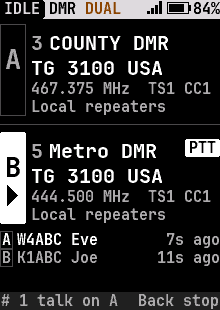
Display settings
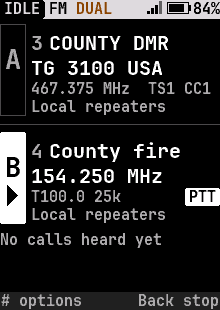
Display settings
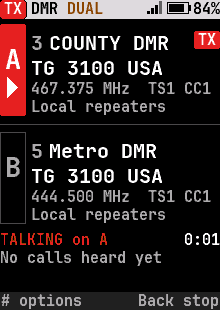
Display settings, high-contrast theme
Display settings, light theme
Advanced settings
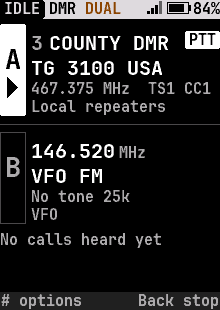
Advanced settings
Changing a setting
Changing a setting
Volume
Volume
Volume muted
Volume muted
Factory reset
Factory reset
Crash log
Crash log
Send crash report?
Send crash report?
Crash report: send to
About
About